Virtui Manager
Powerful, Efficient, and User-Friendly Terminal-Based Virtualization Management Tool
Experience Virtui Manager for managing QEMU/KVM virtual machines from the terminal. Virtui Manager is the new generation of virtualization management tool.
Author: aginies@suse.com
Why Virtui Manager is good for Virtualization Management
Architecture & User Experience
- Zero X11 Dependency: Full control via terminal, eliminating the need for graphical environments. Perfect for remote servers and headless systems.
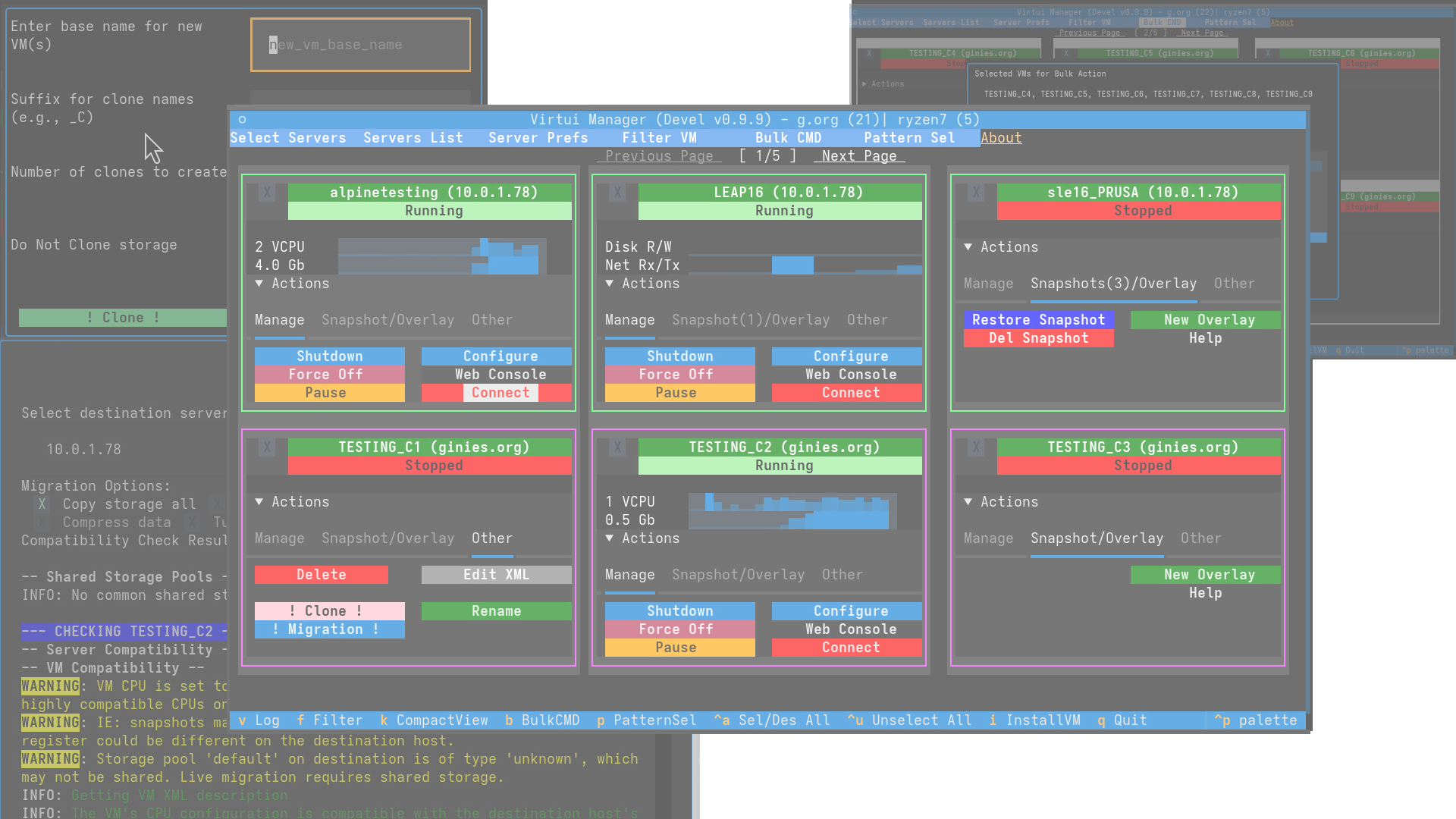
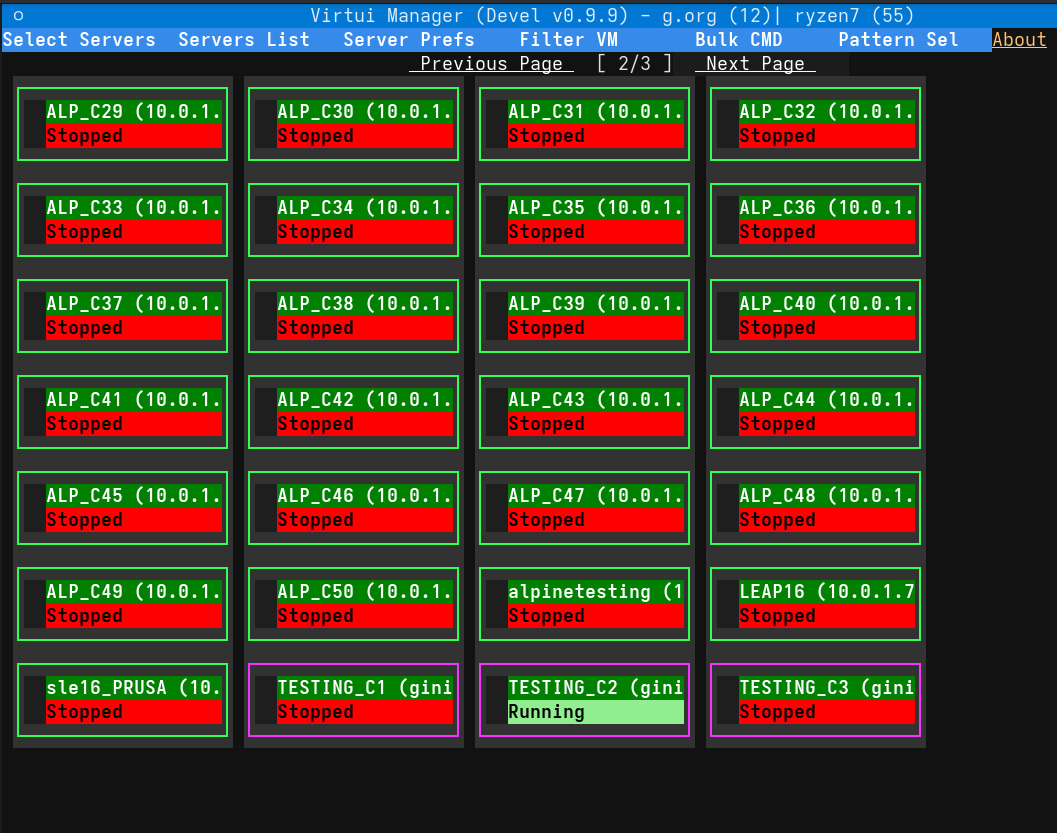
- Multi-Server Transhypervisor View: Visualize and manage VMs across multiple hypervisors from a unified interface - the ultimate in centralized management.
- Low-Bandwidth Remote Operations: Efficient remote administration ideal for cloud and edge environments, saving precious bandwidth.
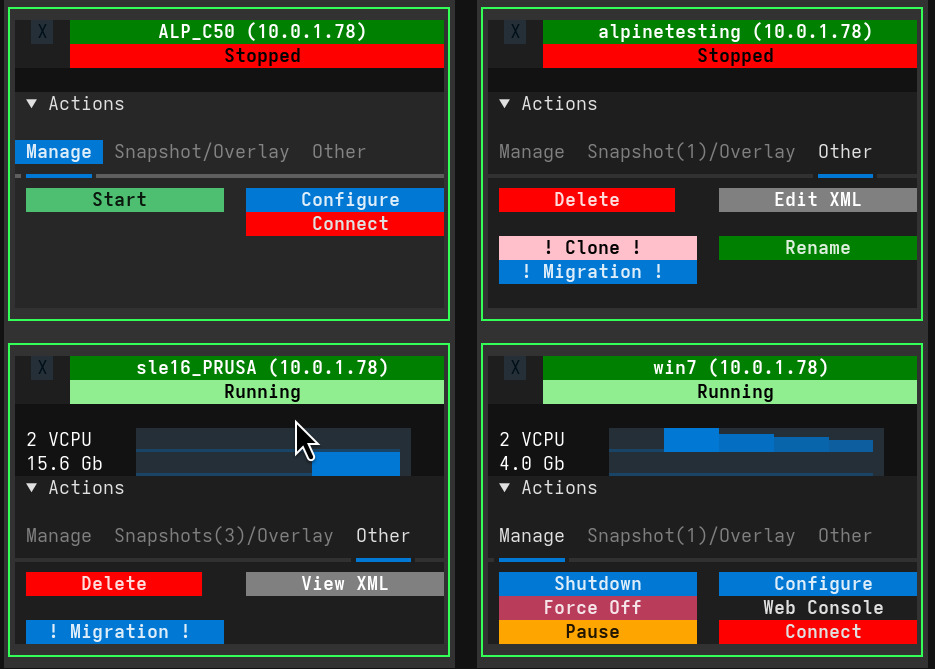
- Color-Coded Status & Server Identification: Use intuitive color schemes to indicate VM status and server origins for quick identification.
- Configurable Caching: Cache VM metadata with a configurable time-to-live (TTL) to reduce `libvirt` calls and improve performance by up to 70%.
Advanced Server & Host Management
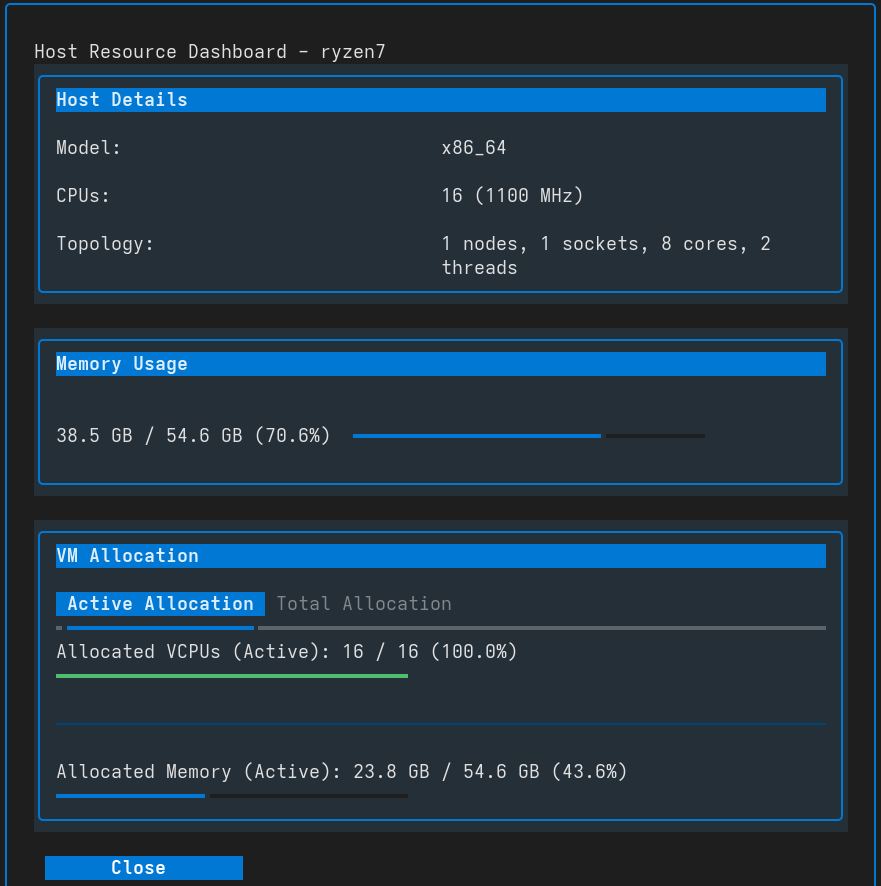
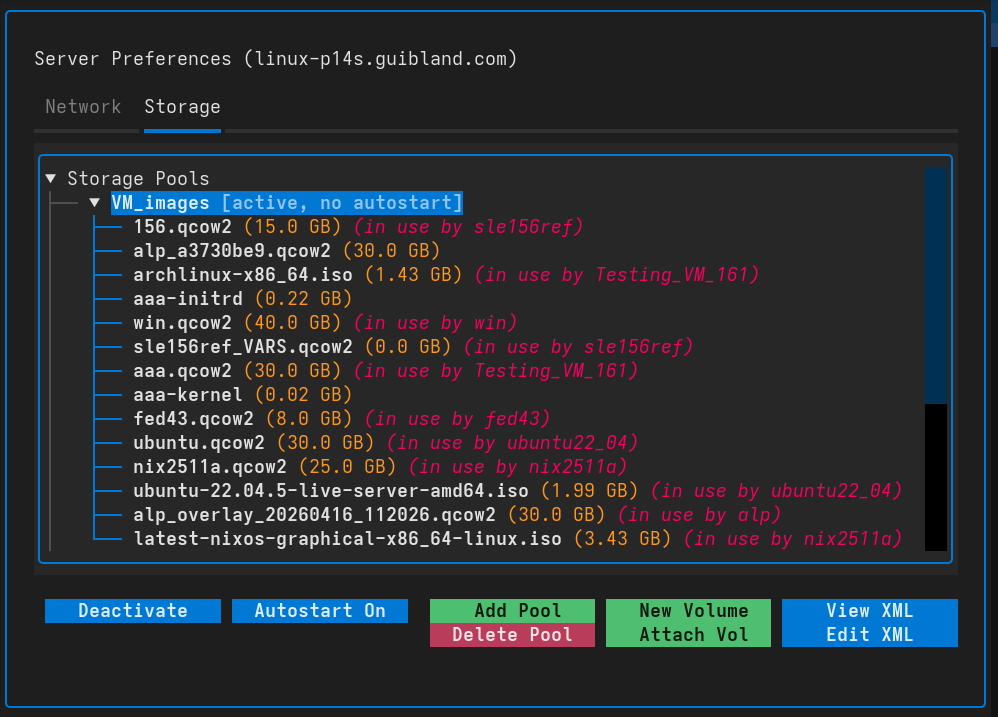
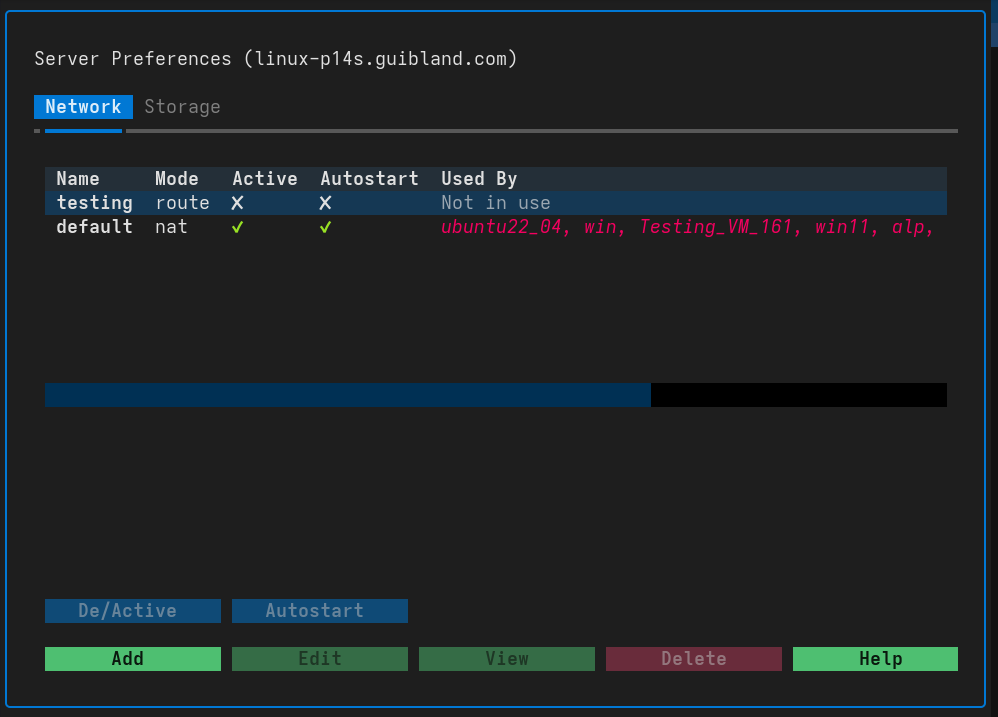
- Host Resource Management: Manage not just VMs, but also the underlying server resources like Storage Pools and Virtual Networks - all in one place.
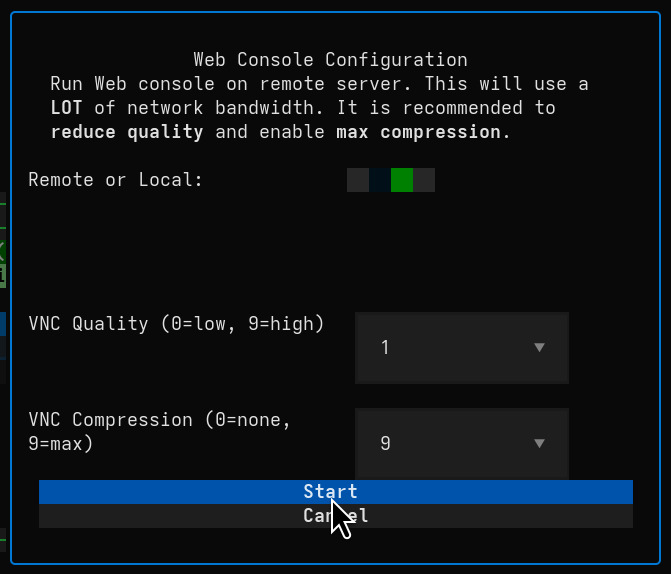
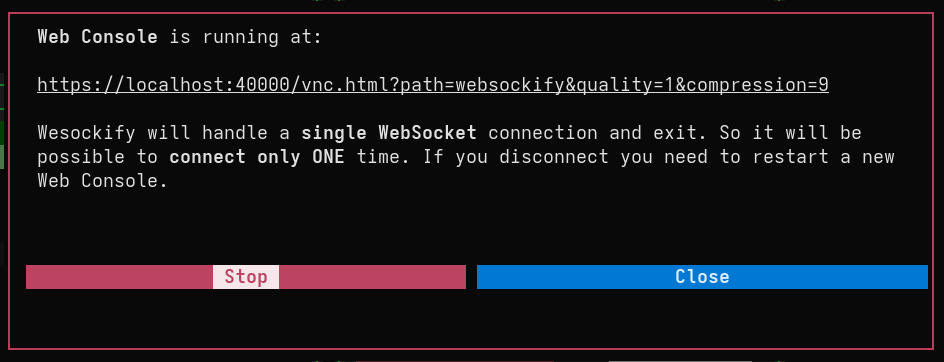
- Websockify SSH & noVNC Integration: Enable secure SSH and noVNC remote viewing for headless server environments with multi-session support - the gold standard for remote access.
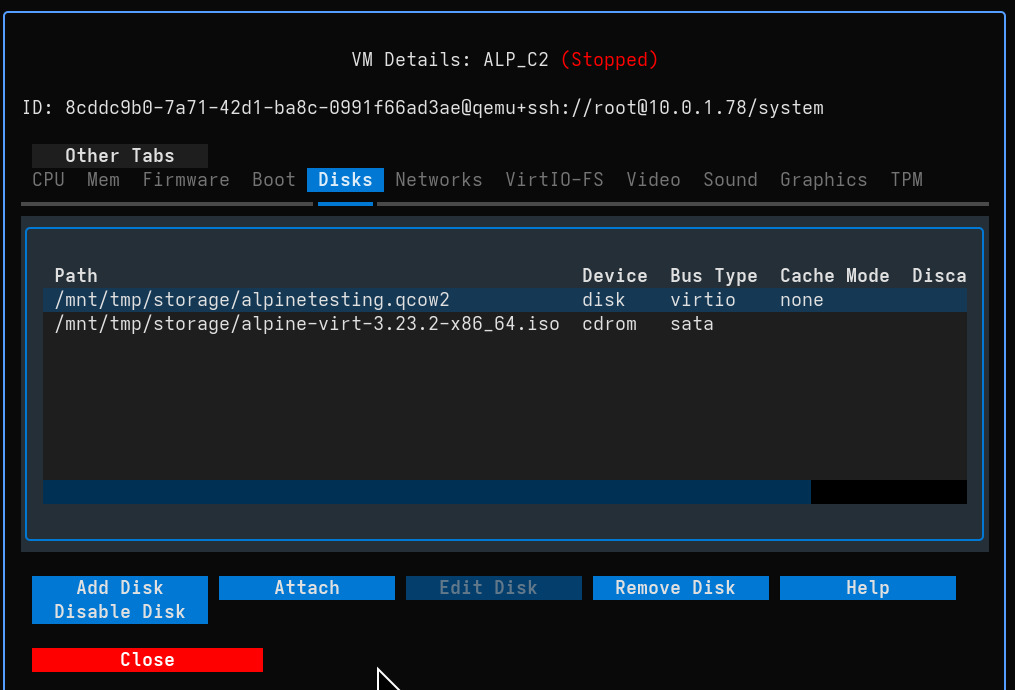
- Move Storage Volume: Move storage volumes between different pools, updating VM guest config if needed - seamless storage management.
- Storage Pool Management: Edit storage pool paths and attach existing volumes directly to VMs - complete storage control.
New Generation of Virtual Machine Management
- Scalable VM Management: Manage hundreds of VMs across multiple libvirt servers with a single, consistent interface - the ultimate in scalability.
- Live Performance Monitoring: View real-time CPU, memory, disk, and network usage with sparkline graphs on each VM card - monitor everything at a glance.
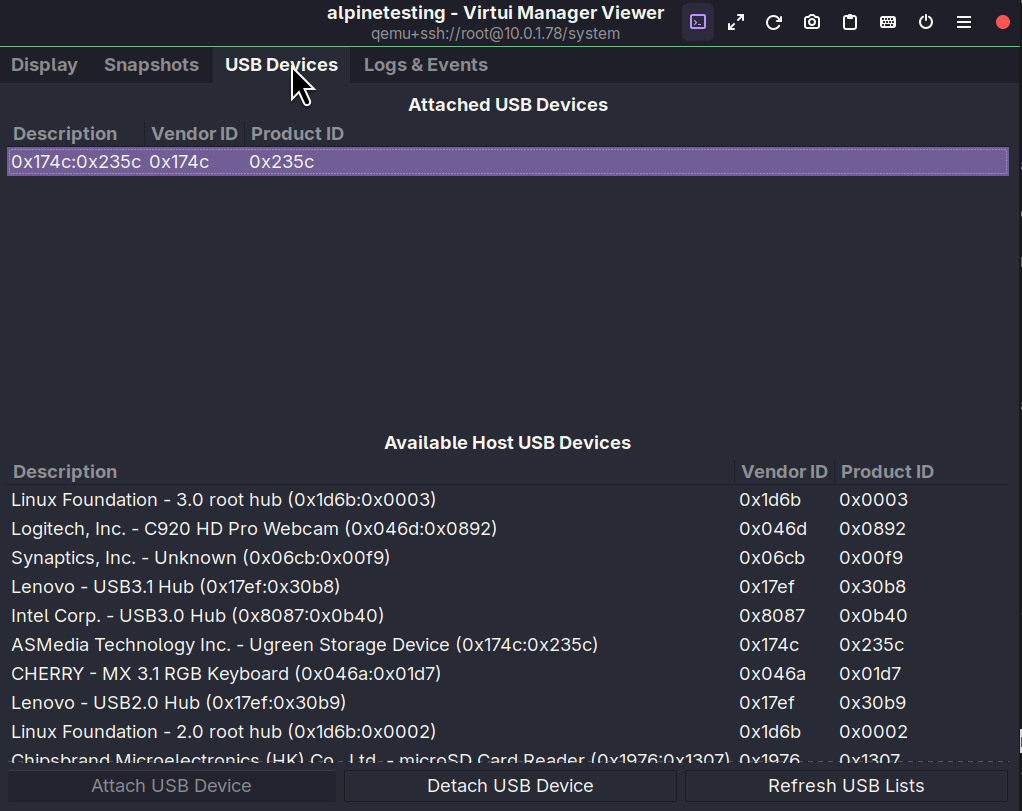
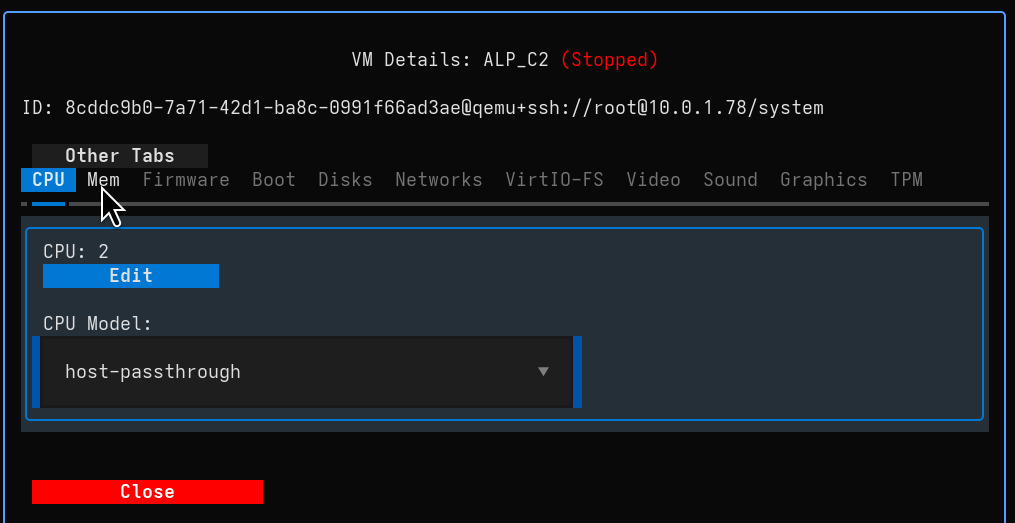
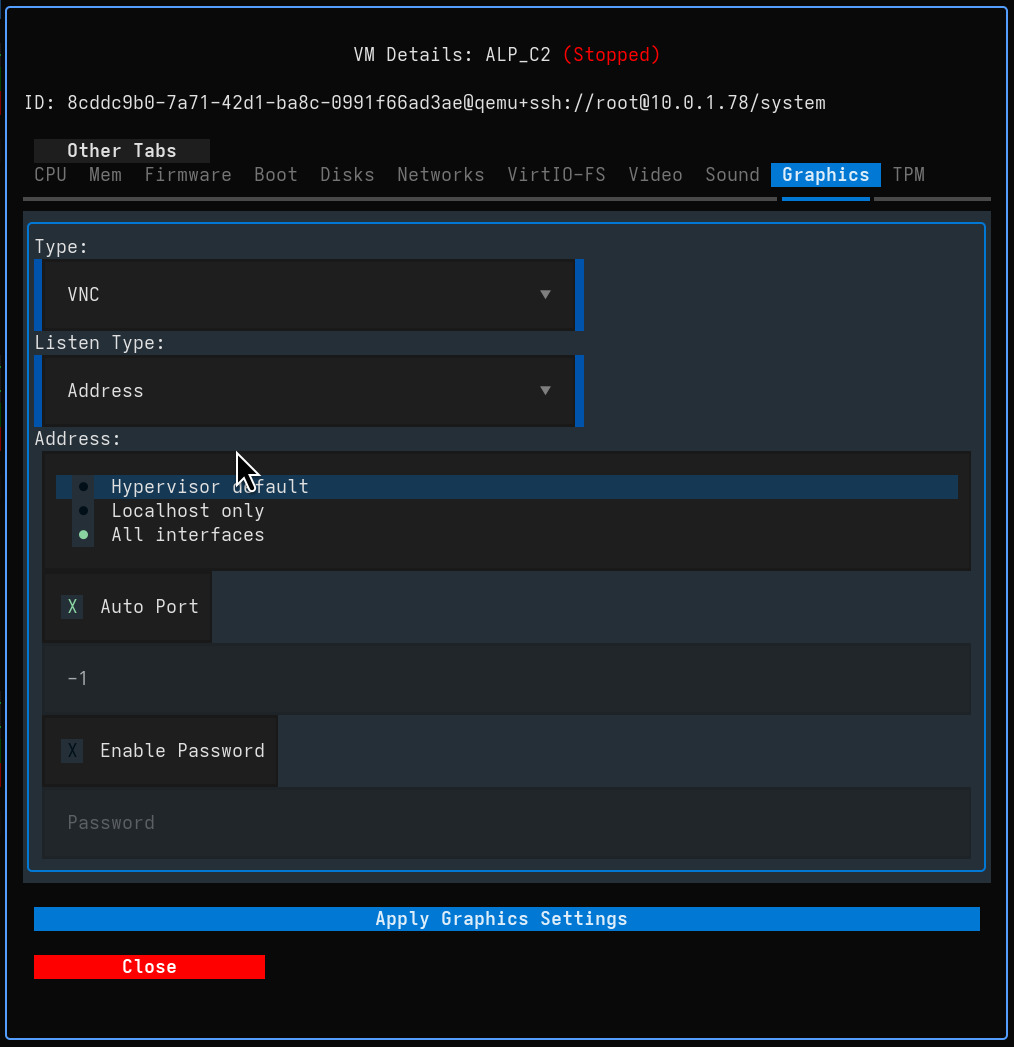
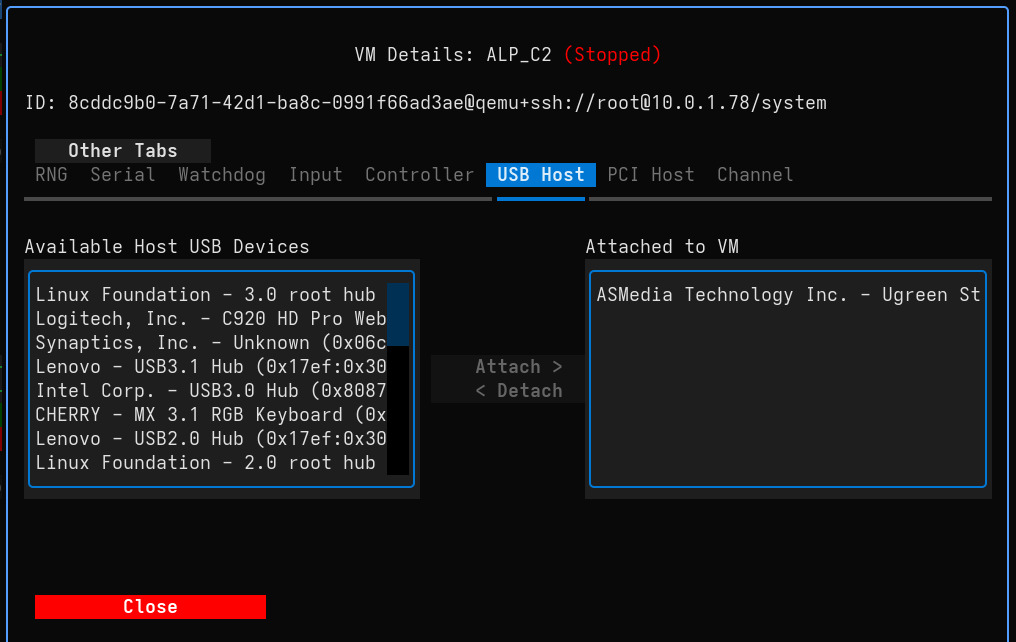
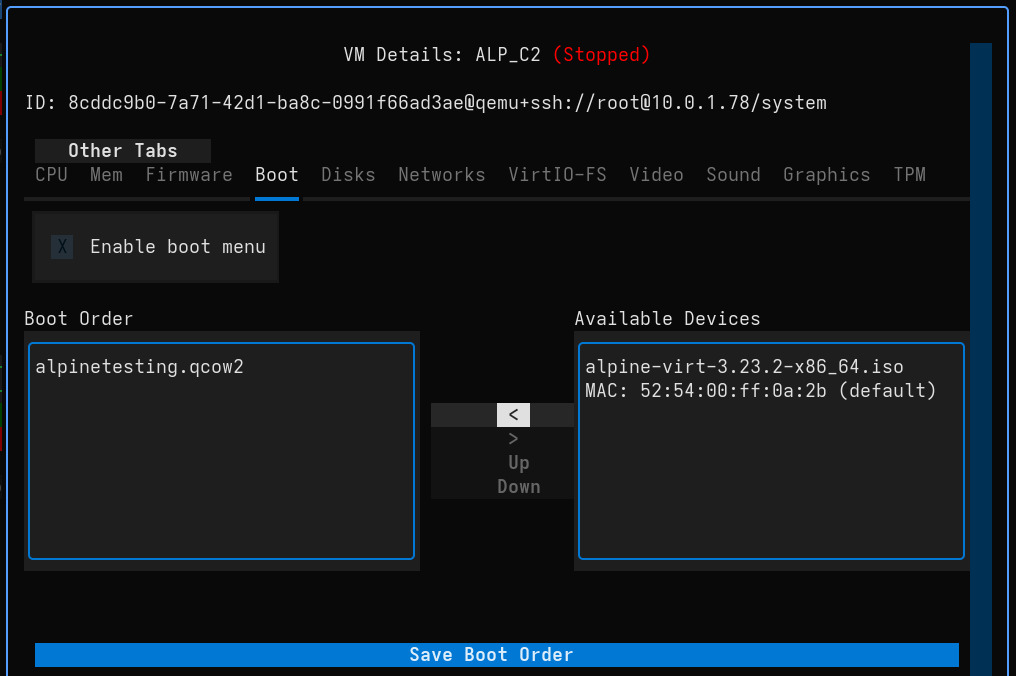
- In-Depth Hardware Configuration: Control virtually all aspects of a VM's hardware, from CPU and memory to UEFI, Secure Boot, TPM, 3D Acceleration, boot order and many other options - complete control.
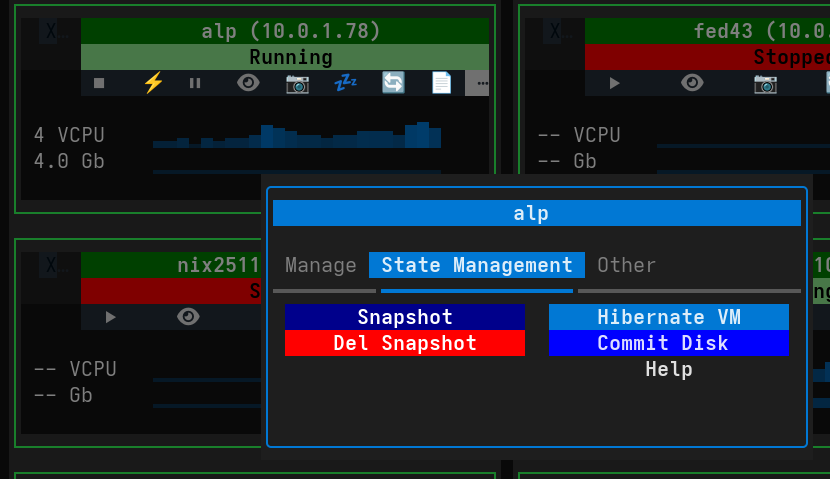
- Full Snapshot Management: Easily create, delete, and revert to VM snapshots through the interface - backup and restore with ease.
- Disk Overlay Management: Create external snapshots (overlays), commit changes to base images, or discard overlays to revert changes - advanced disk management.
- Advanced VM Resource Control: Disable disks, switch machine types, and much more - ultimate flexibility.
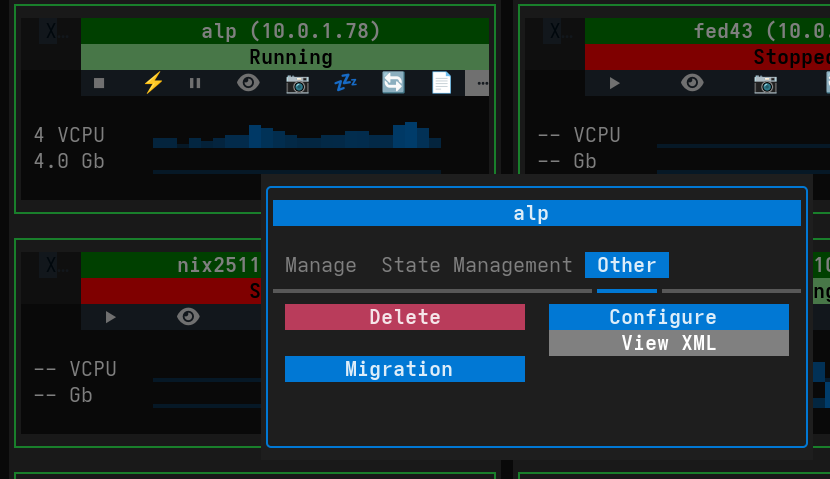
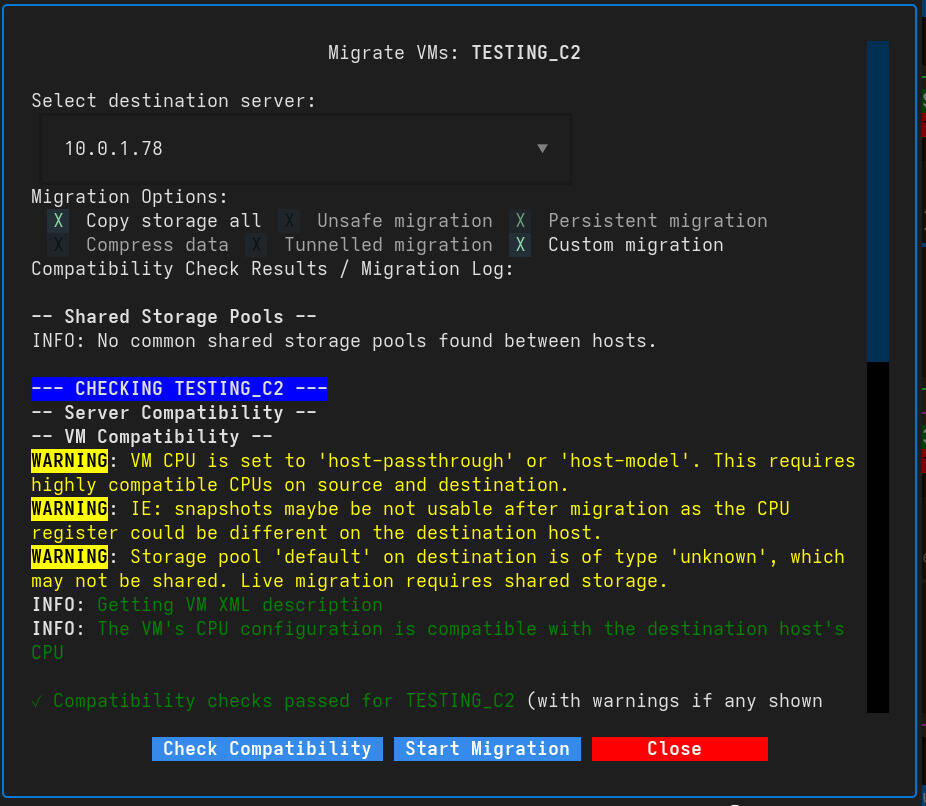
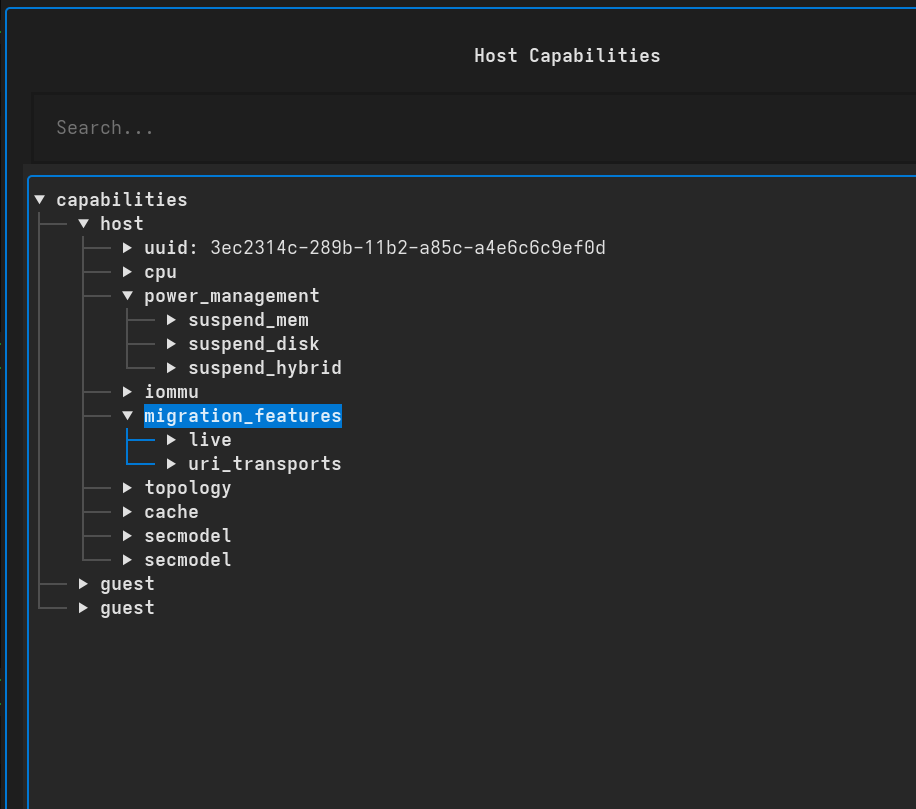
- VM Migration: Migrate VMs offline and live between servers, with pre-checks on server and VM guest config - reliable migration.
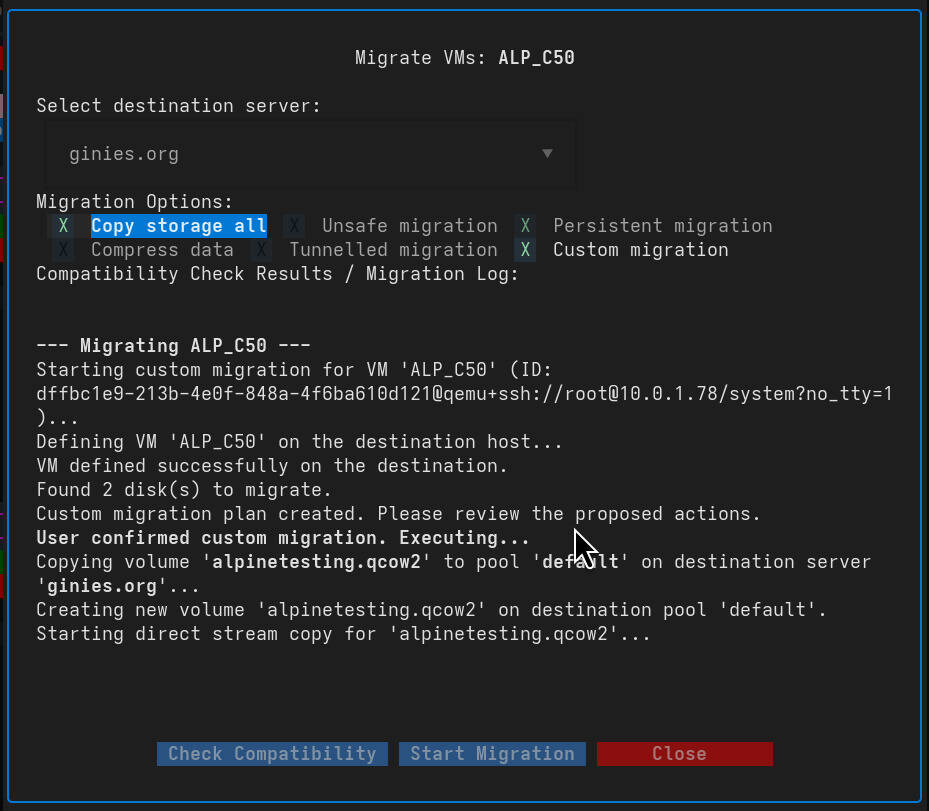
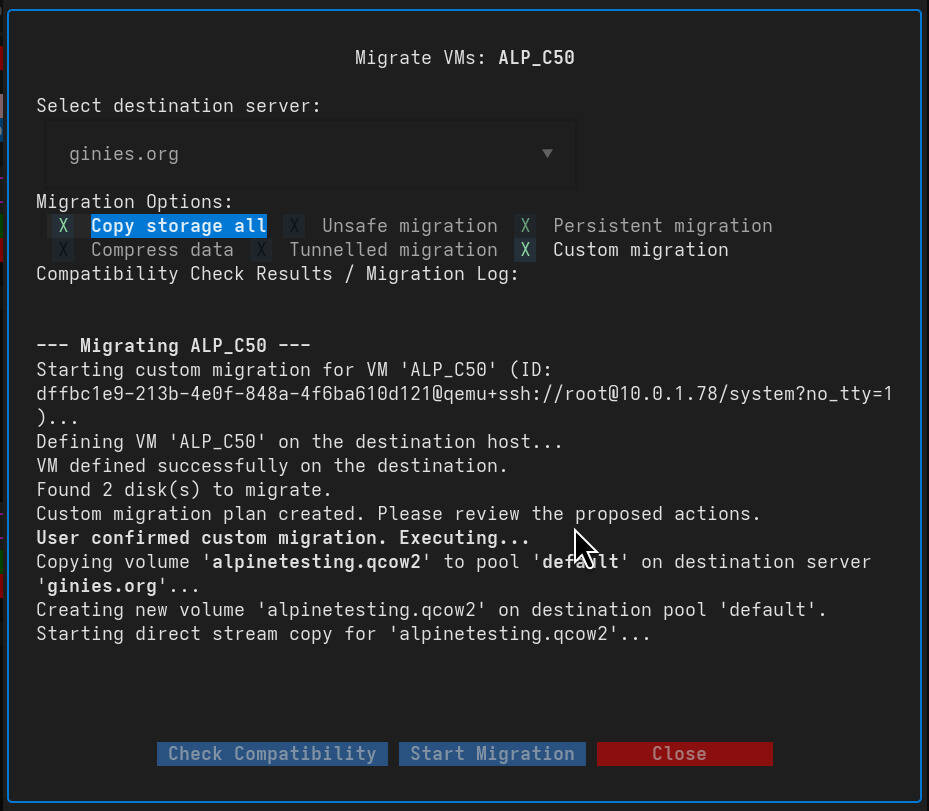
- Custom VM Migration: Migrate VMs offline with copy of volumes, snapshot and overlay. User can select the destination pool - ultimate customization.
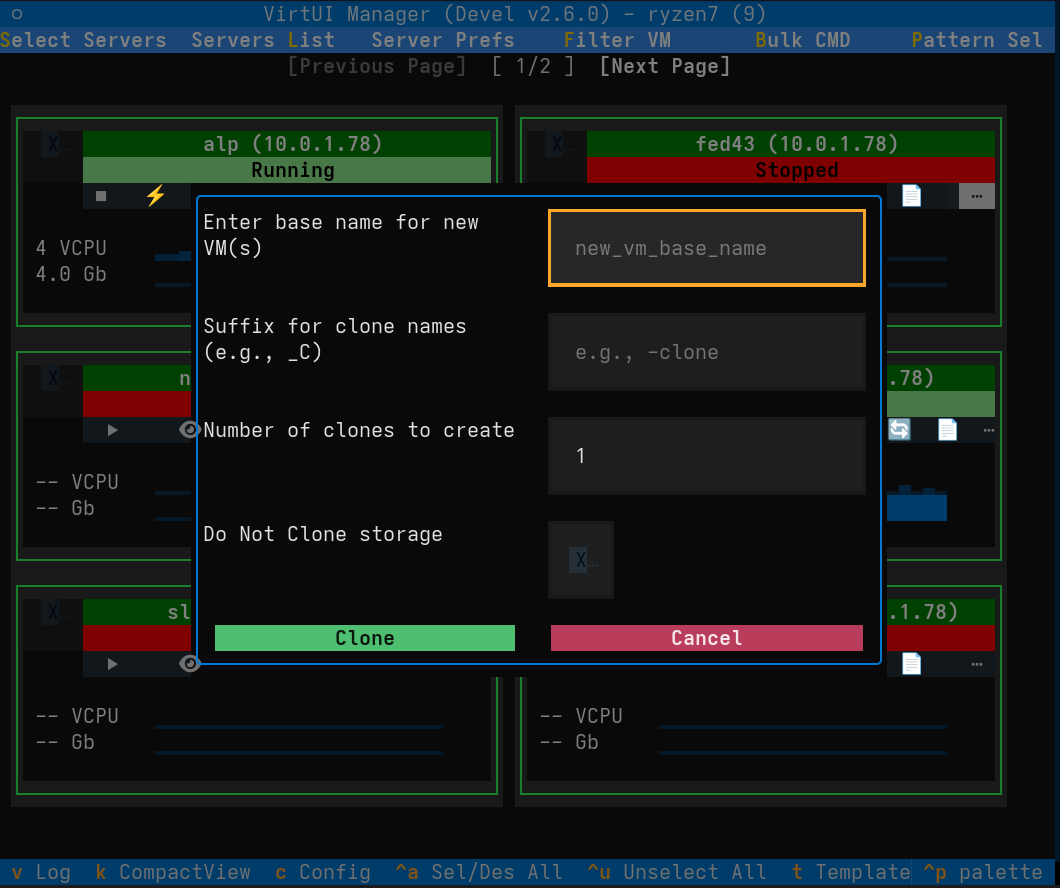
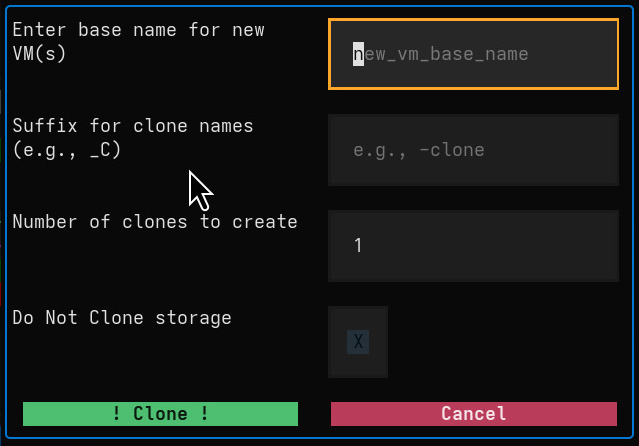
- Clone VM Capabilities: Clone VMs with advanced options, including specifying a custom suffix, cloning multiple instances at once, and automatic creation of storage for the new clones - perfect for rapid deployment.
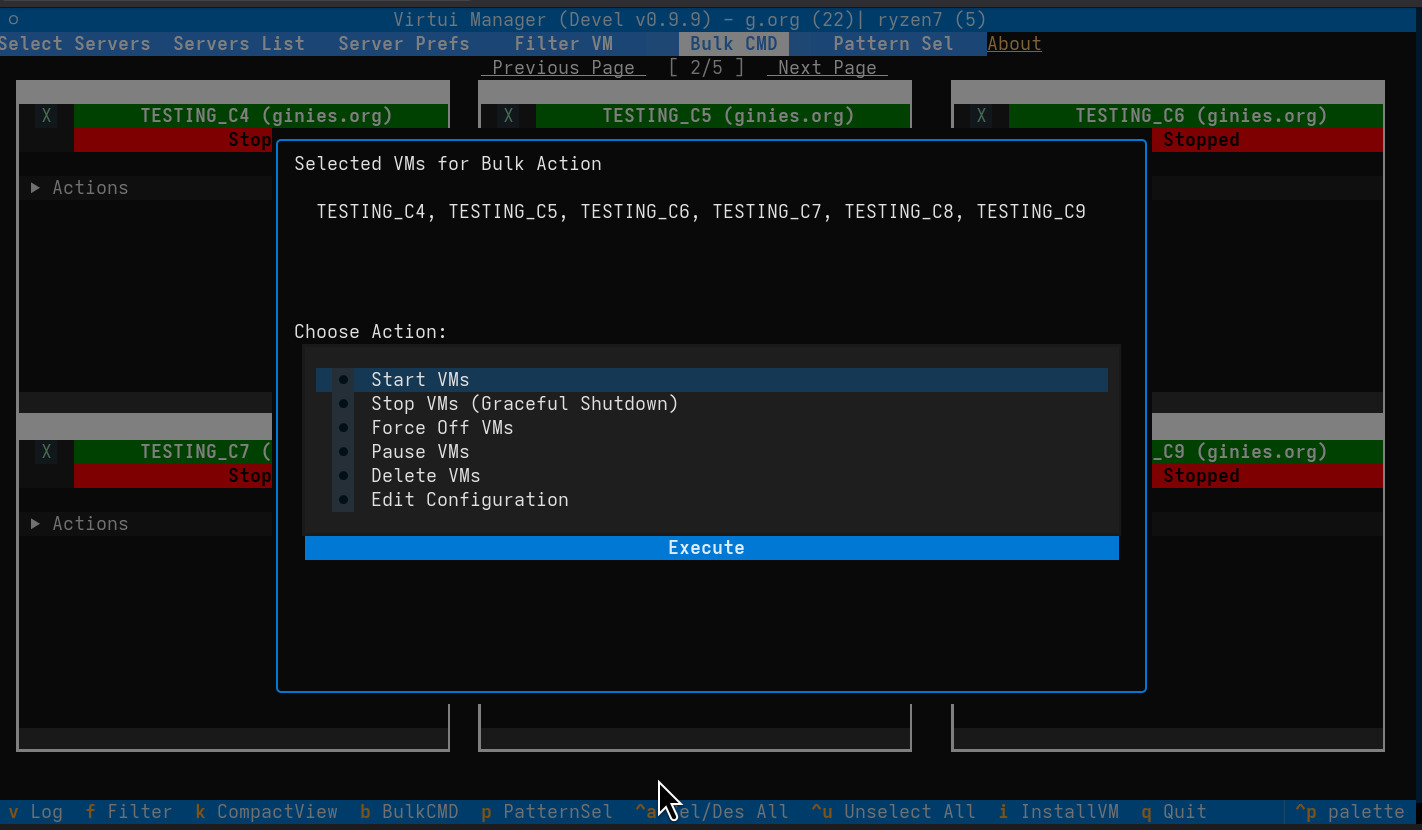
- Bulk Command Execution: Execute commands across multiple selected VMs simultaneously for streamlined management. Bulk CMD is also available to change XML configuration! - productivity boost.
- Spice to VNC Transition: Automatically replace Spice graphics with VNC for simplified remote access and reduced resource usage - optimized performance.
Powerful Command-Line Interface
- Multi-server Management: Connect to and manage multiple
libvirtservers simultaneously from a single shell - the ultimate in efficiency. - Bulk VM Operations: Execute commands like
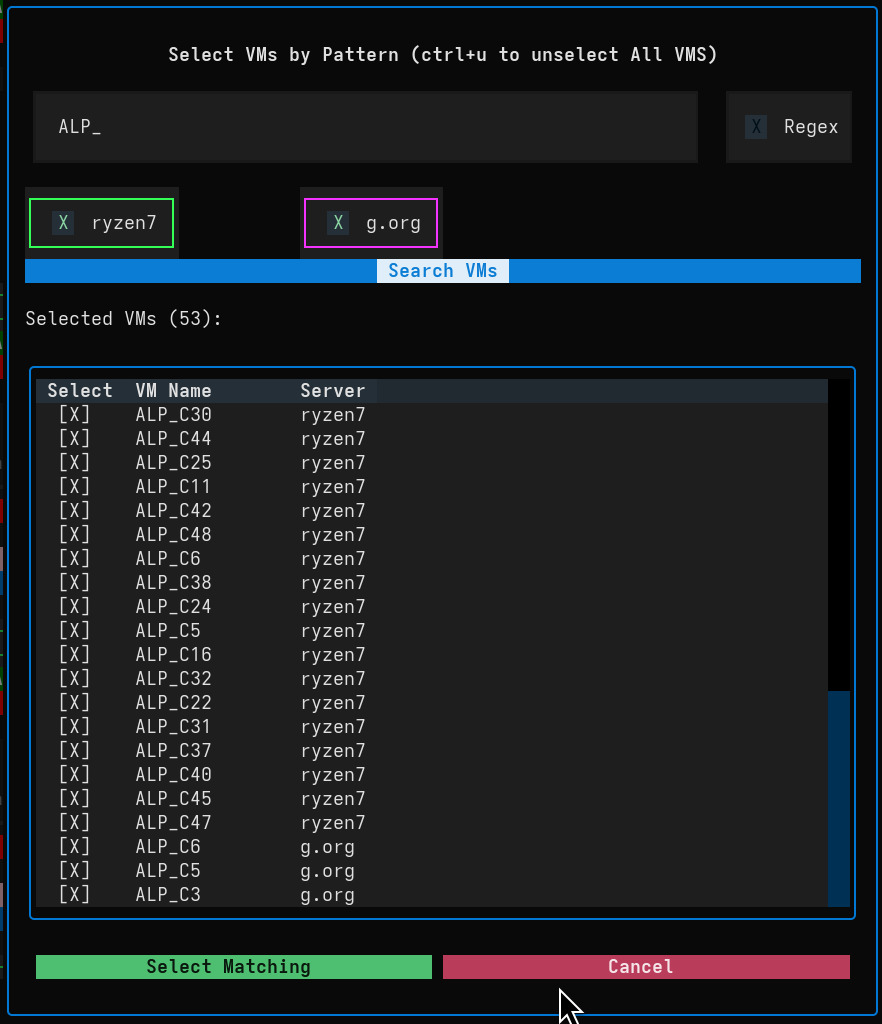
start,stop, andstatuson multiple VMs across different servers at once - massive time savings. - Advanced VM Selection: Select VMs for operations using direct names or regular expression patterns - precise control.
- Storage Management: List storage pools and unused volumes across all connected servers - complete storage visibility.
- Tab Autocompletion: Context-aware autocompletion for server names, VM names, and storage pools - enhanced usability.
Compact View Mode
- Space Optimization: Reduce vertical space usage for VM cards, making it easier to view more VMs on smaller terminals.
- Terminal Efficiency: Better utilization of smaller terminal sizes for maximum productivity.
- Performance Impact: Optimized rendering for compact mode - no compromise on performance.
Experimental Features
- Detect common pool: Detect common pool between server - advanced storage management.
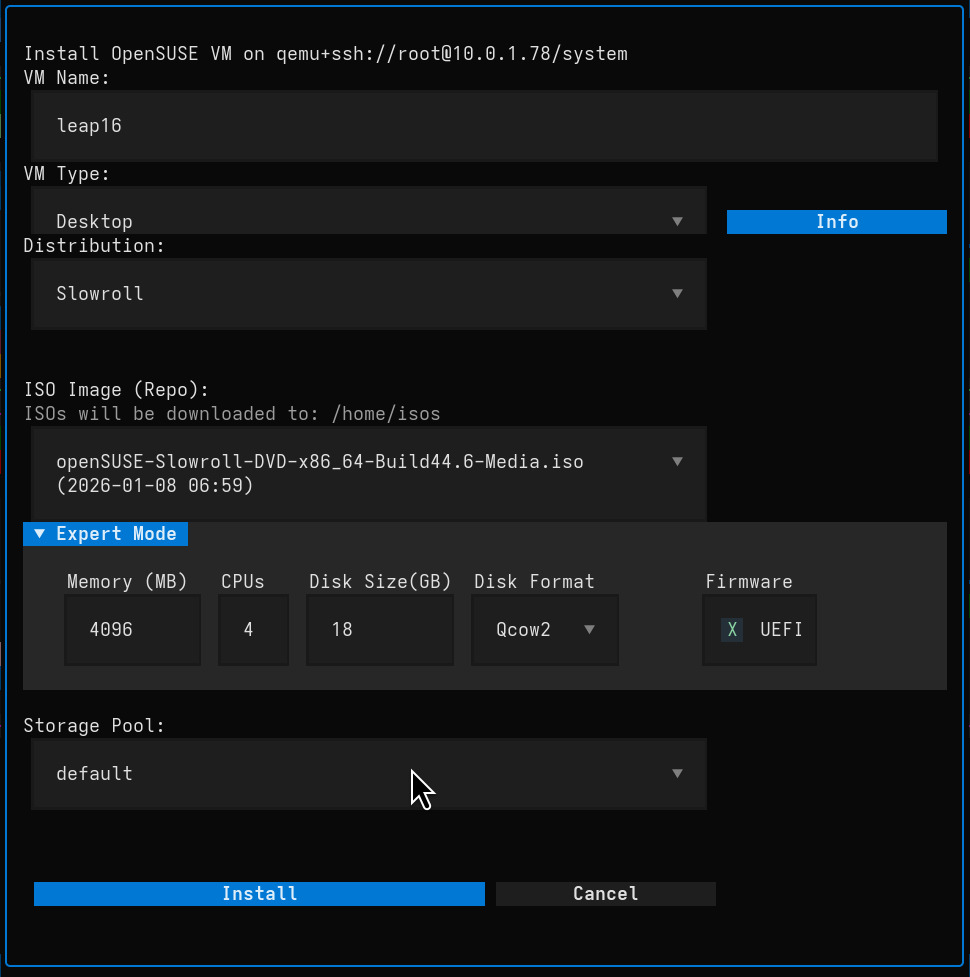
Interface showing multi-server VM management with color-coded status indicators
Quick Links
License
License: GPL3